Machine Party Customization
Dress your test subject before the facility turns lethal
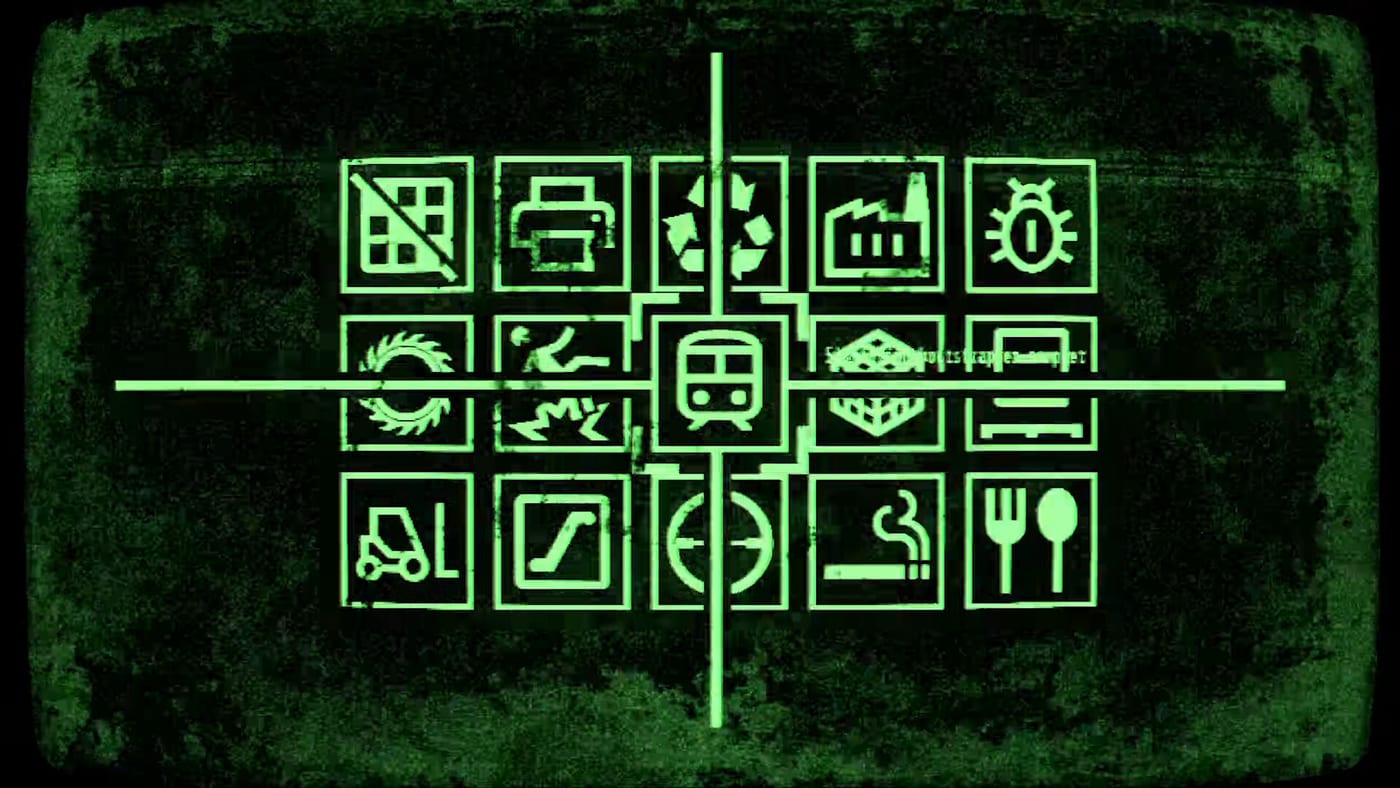
Machine Party lets you customize your test subject before the facility throws you into buzz saws, minefields, and assembly-line gun races. Oro Interactive highlights character customization in every press summary alongside the industrial soundtrack by Alex Peipman and the fifteen-minigame roster. On a practical level, cosmetics help your party tell each other apart during chaos-tier rounds where everyone scrambles for the same narrow ledge.
This hub focuses on what customization means at launch on Steam — visual identity, readability in multiplayer lobbies, and how outfits interact with achievement hunting on the achievements page. Deeper item-by-item notes live in the dedicated test subject guide.
Why customization matters
In online co-op for two to four players, clarity beats flair. When Mind the gap.-style platform modes or crate-throw scenarios appear, you need to know which silhouette is about to shove you. Customization is therefore part competitive readability, part personal expression — the same dual purpose seen in other Mike Klubnika projects that blend dark humor with sharp mechanical design.
Cosmetics also survive between minigames, giving sessions a through-line even when the rules change from pea-eating secrecy to cigarette chain-smoking speed trials. Pair a distinctive look with the party planner so everyone can screenshot consistent rosters for streaming or clip edits.
What we know at launch
Official materials promise the ability to customize your test subject, without enumerating every unlock source on day one. Expect options tied to progression, achievements, or simply pre-match menus — confirm in-game after your first lobby setup. Named achievements such as Flourished Memories and Full Pack hint that cosmetic or collection goals may overlap with Steam meta; check Steam or in-game descriptions rather than relying on guessed unlock paths.
Customization does not change hitboxes or movement according to public store copy — any perceived advantage is psychological. For mechanical edges, study the difficulty tier list and practice specific minigames via the minigame picker.
Build a recognizable party
Assign each friend a contrasting silhouette before queuing. Hosts should remind players to finalize looks during lobby ready-up, covered step-by-step in lobby setup. Trios and duos benefit even more from high-contrast colors because fewer bodies occupy the screen during sabotage-heavy modes ranked on chaos.
Streamers may want to align outfits with overlay branding while keeping faces readable at 720p — Machine Party’s gritty lighting punishes muddy palettes.
Links across the wiki
- Test subject guide — options, readability tips, and session photos
- Multiplayer hub — party sizes and online etiquette
- Review hub — feature overview and tone check before you buy
- System requirements — ensure friends can render detailed characters smoothly
- Updates hub — watch for cosmetic additions after launch patches
Frequently Asked Questions
Quick answers to the most common questions.
Does customization affect gameplay stats?
Store marketing presents customization as visual identity for your test subject. There is no announced stat advantage — skill and minigame knowledge from [tier lists](/tier-list/) matter more.
Can I change outfits between minigames?
Use the pre-match and lobby windows described in [lobby setup](/multiplayer/lobby-setup/). Mid-session edit rules may depend on patch version — see [updates](/updates/) if menus change.
Are cosmetics shared through Steam Family Sharing?
The Steam listing mentions Family Sharing for the base game. Cosmetic entitlements may still bind to the owning account — verify on your library before assuming shared unlocks.
Where should I start?
Read the [test subject guide](/customization/test-subject/), then queue with friends using the [multiplayer hub](/multiplayer/) checklists.