Machine Party Party Planner Tool
Interactive widget to draft ordered minigame playlists for your lobby
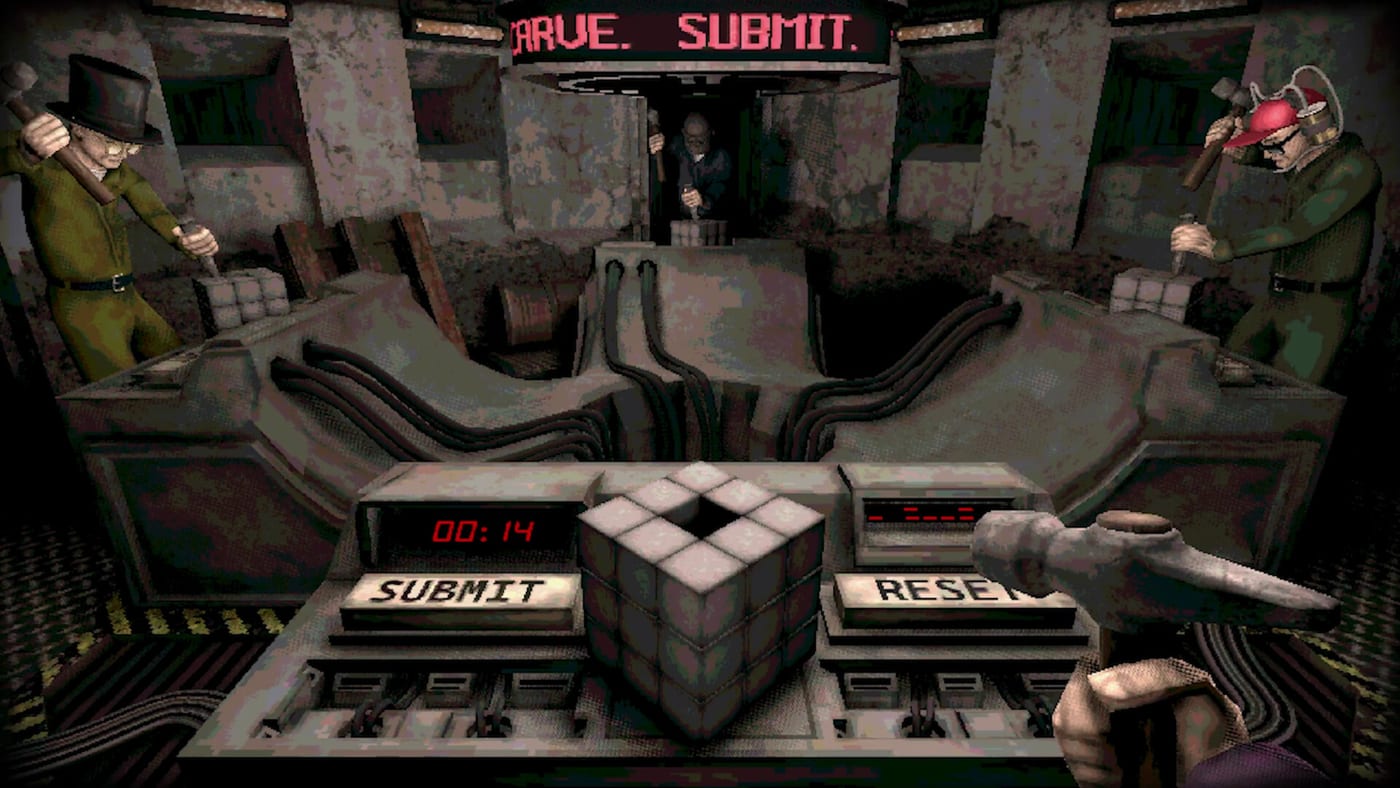
Party night planner
Pick player count, session length, and focus before you invite friends.
The Party Planner is an interactive widget embedded on this page for Machine Party hosts who want structure before opening Steam. Instead of arguing over the next lethal experiment, draft an ordered playlist that matches your group’s skill, time budget, and appetite for chaos. The widget runs in your browser — no account, no mod install — and complements lobby setup rather than replacing in-game rotation.
Use it when onboarding newcomers, running stream segments, or chasing Steam achievements listed on the achievements page without burning out on random repeats.
Interactive widget on this page
Below the article body, the Party Planner widget provides:
- Playlist builder — add, reorder, and remove minigame slots for a full session
- Difficulty tags — align picks with our difficulty tier list bands (S through D)
- Chaos tags — bias toward or away from sabotage-heavy modes from the chaos tier list
- Player count filter — respect party sizes from duos to full fours
- Export summary — copy a text plan to Discord so friends know what is coming
If the widget fails to load, refresh the page or try another browser — data stays local.
When to use the planner
Onboarding nights — open with D/C difficulty and low chaos entries, then escalate mid-session.
Tournament nights — lock a best-of-five set with rematch rules agreed in voice chat.
Achievement hunts — slot modes tied to known names like Quick draw!, Catch this!, or Stairmaster, then verify unlock text on Steam rather than assuming widget labels are achievements.
Short lunch sessions — cap at three minigames instead of a full fifteen-mode marathon.
Building a balanced playlist
- Confirm party size and hardware on system requirements.
- Pick a session length (30, 60, or 90 minutes).
- Start with one warm-up mode (TPS parody energy like About those TPS reports. thematically fits).
- Alternate difficulty spikes with cooldown modes.
- End on a high-chaos pick if your group wants a clip-worthy finale.
- Share the exported plan before the host clicks start in Steam.
Planner vs. minigame picker
The minigame picker randomizes one round when nobody agrees. The party planner sequences many rounds — use both from the tools hub depending on mood.
Customization and readability
Ask players to finalize test subject outfits before the first planned mode so footage matches the playlist order you published.
After sessions
Compare how the plan felt versus actual downtime — Machine Party advertises quick transitions, but voice chat banter expands breaks. Update your template for next week and check updates if patches add or rename minigames.
Streaming with the planner
Streamers can mirror the widget on OBS by capturing the browser region or reading exported lists on overlay text. Alternate difficulty and chaos tags so viewers see variety without single-mode grinds. Mention that unlock text for Full Pack or Flourished Memories must be read on Steam — the planner only suggests modes.
Sample 60-minute playlist
| Slot | Band | Example theme |
|---|---|---|
| 1 | D / C | Office parody warm-up |
| 2 | C / B | Pea eating or pack modes |
| 3 | B / A | Gap or stair gauntlet |
| 4 | A / S | Firearm assembly pressure |
| 5 | B / S | Crate throw finale |
Adjust bands for three-player lobbies using party sizes.
Related links
- Tools hub — all widgets
- Minigame picker — single-round randomizer
- Multiplayer hub — co-op overview
- Review hub — feature context
Frequently Asked Questions
Quick answers to the most common questions.
Does the party planner connect to Steam?
No. It is a local planning widget. You still queue manually after [lobby setup](/multiplayer/lobby-setup/).
Are all fifteen minigames listed?
The widget mirrors wiki tier coverage and public names. Unknown modes fill in as [updates](/updates/) document them.
Can I save playlists?
Use the export summary to paste into notes or Discord. Persistent cloud saves are not part of the widget.
Does it guarantee achievements?
No. It helps you choose relevant modes; unlock text remains on Steam and the [achievements page](/achievements/).